
When someone lands on your Shopify store, your product photos are usually the first thing they notice.
Before they read the title, check the price, or scroll through the description, they’ve already decided whether the product looks worth clicking.
If your images look blurry, soft, or low quality, it immediately makes the product feel less premium.
The good news is that improving your Shopify product image quality doesn’t have to be difficult. A few simple changes, or a quick touch-up using ImageSharpen, can make your product photos look much cleaner before they ever go live.
Why Product Images Matter on Shopify
Unlike marketplaces like Amazon, your Shopify store is your brand.
Customers don’t have hundreds of competing listings on the same page. They’re judging your store based on what they see.
Clear product photos help customers understand exactly what they’re buying. They also make your store look more trustworthy and professional.
Think about it this way. If two Shopify stores are selling the same product for the same price, most people will naturally trust the one with better-looking photos.
Good product images won’t fix a bad product, but they can absolutely help a good product get the attention it deserves.
How to Improve Shopify Product Image Quality
Improving your product images doesn’t always mean booking another photoshoot.
In most cases, a few simple changes are enough.
Start With the Original Image
Always edit the highest-quality version of your product photo. Avoid screenshots or images downloaded from messaging apps, as they’ve usually already lost quality.
Use Shopify’s Recommended Image Size
Uploading images that are too small can make them look soft, especially when customers zoom in. Starting with a high-resolution image gives Shopify more detail to work with.
Keep Editing to a Minimum
It’s easy to overdo filters, contrast, or sharpening. A clean, natural-looking product photo almost always performs better than one that’s heavily edited.
Check Your Images on Mobile
A photo that looks great on your laptop might not look the same on a phone. Before publishing, preview your product page on both desktop and mobile to make sure everything still looks sharp.
Use AI to Improve Product Photos
If your product photo looks just a little soft, you probably don’t need to take it again.
Instead, improve the image before uploading it to your store.
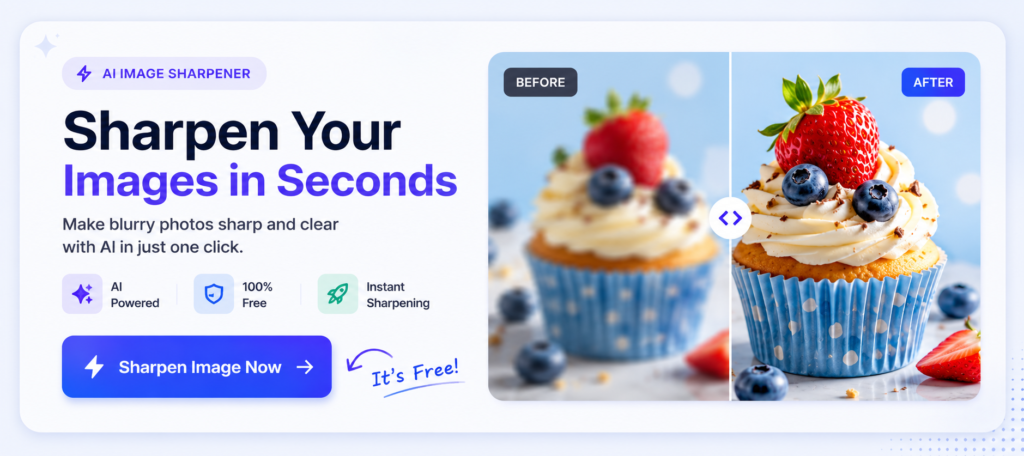
With ImageSharpen, you can upload your product photo, enhance its clarity in a few seconds, and download a cleaner version that’s ready for Shopify.
It’s especially useful if you’re working with supplier images, older product photos, or pictures that have been resized or compressed.
The goal isn’t to completely change the image. It’s simply to make it look cleaner and more professional before your customers see it.
Conclusion
Great product photos don’t just make your Shopify store look better. They help customers feel more confident about buying from you.
If your images look a little soft or low quality, you don’t always need to start from scratch. Often, improving the existing photo is enough to make it look cleaner and more professional.
Before uploading your next product image, take a minute to check its quality. If it could use a little extra clarity, upload it to ImageSharpen and enhance it in seconds.
Sometimes, a sharper product photo is all it takes to make a better first impression.