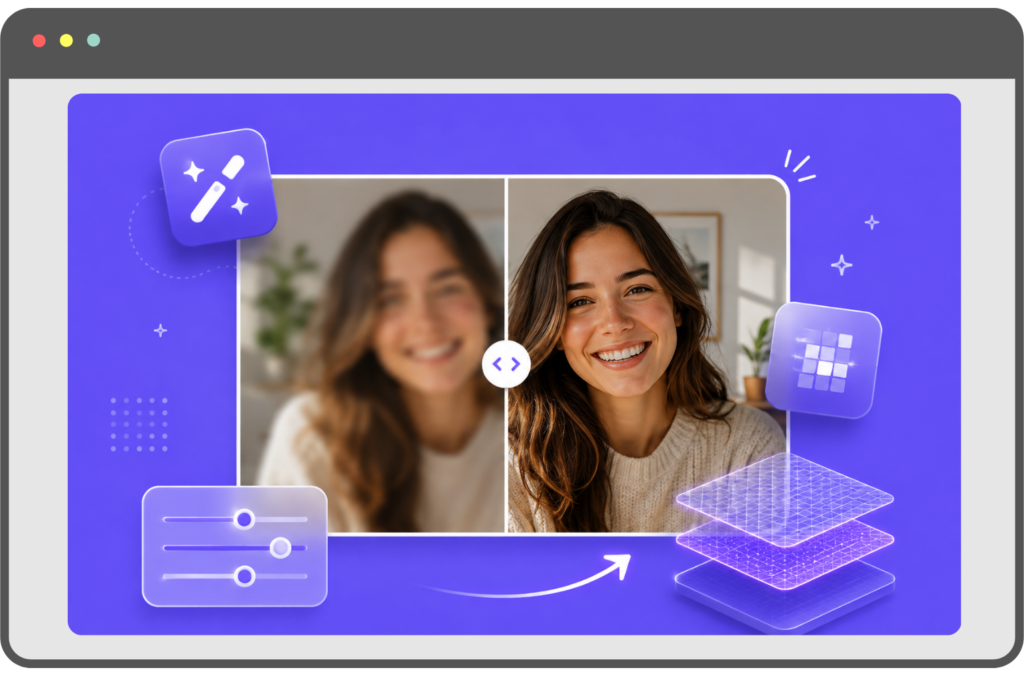
Use AI to Sharpen Your Images With Precision
Upload any photo and get a sharper, higher-resolution version in seconds. Completely free, no sign-in required.
or click to browse
Your enhanced image will appear here
Upload an image to get started
How to Use
Image Sharpen?
Three simple steps to turn a blurry photo into a sharp, clear image. No sign-up, no software.
Upload Your Photo
Drop your blurry image into ImageSharpen.
Let the AI Enhance it
Our AI analyses the image and restores clarity and detail.
Preview and Download
Compare both Images and download in high quality
Bring Blurry Images Back to Life
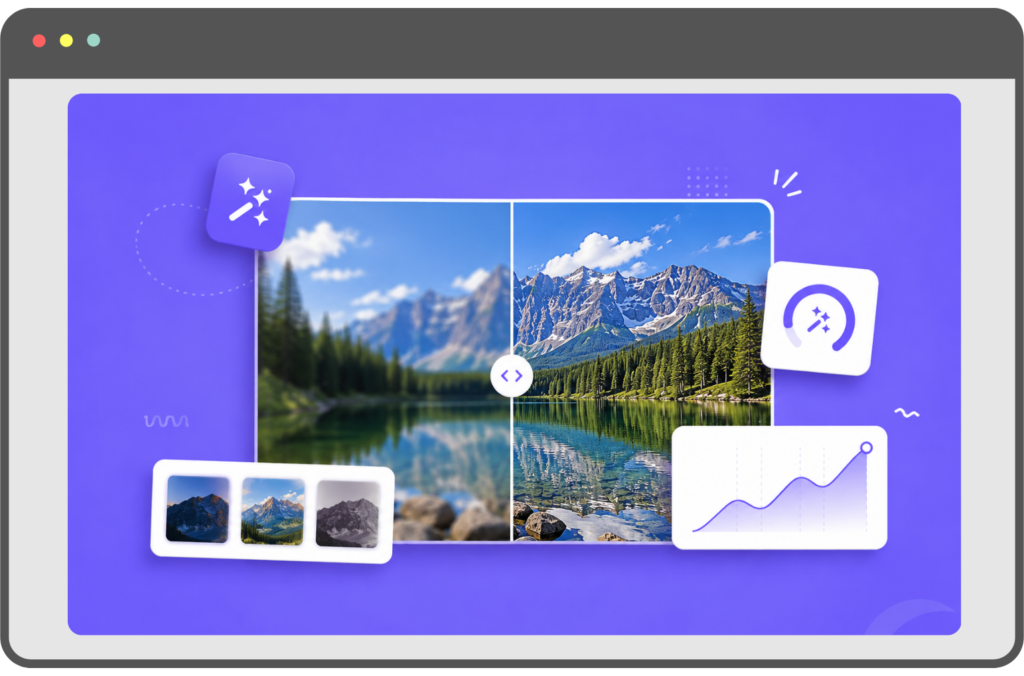
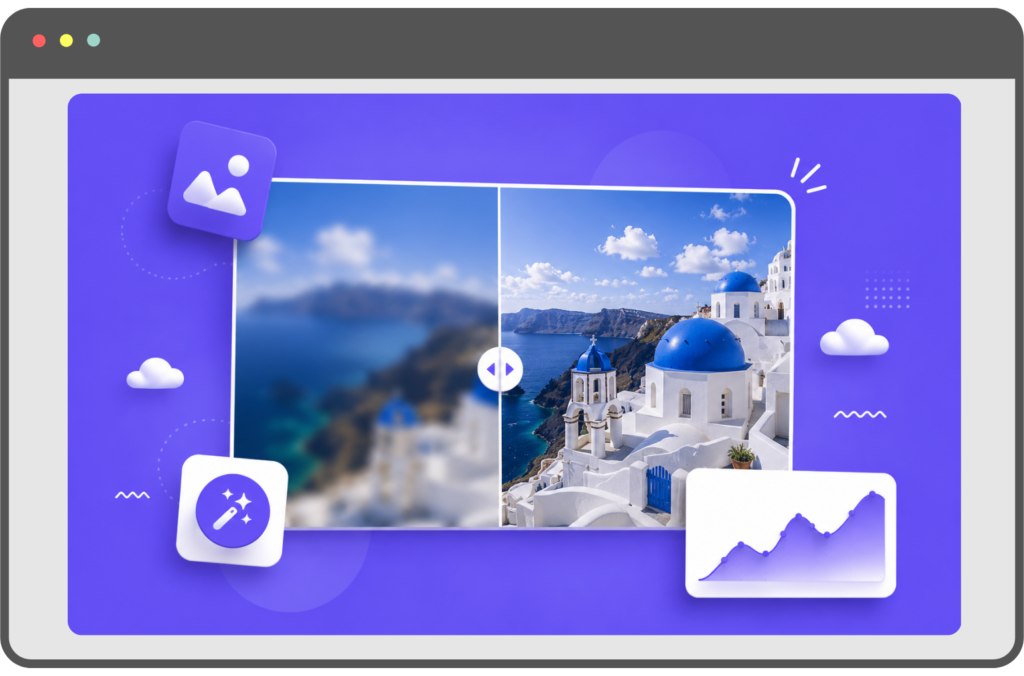
See how ImageSharpen can improve clarity, restore lost detail, and make your images look sharper in seconds.
Drag the slider to see the difference.
About Image Sharpen
Sharpen Blurry Photos With AI
Our AI image sharpener rebuilds the fine detail that soft photos lose. Edges become crisp, and textures like hair, fabric and text come back clearly.
Upload your photo and the AI gets to work straight away. Drag the slider to see the before and after side by side, then download your sharper image.
Unblur Images Online Free
Need to unblur photos that are slightly out of focus, shaken by a moving hand, or blurred by compression can often be rescued.
Unblur your image online for free, with no sign-up, and get a cleaner, clearer version in one click.
Ideal for portraits, screenshots, and pictures saved from WhatsApp or social media. It works best on mild to moderate blur.
Free AI Image Upscaler
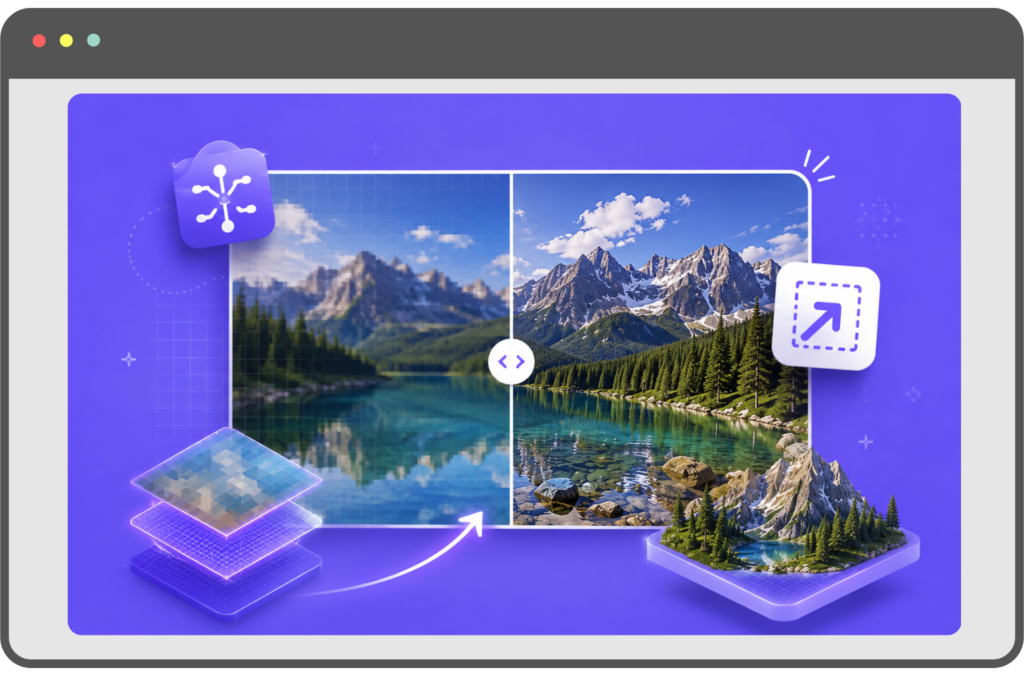
Turn small or low-resolution images into large, detailed ones.
The AI upscaler increases your image to 4× its original size and fills in fine detail as it goes, keeping every edge and texture clear.
Use it to print photos at a bigger size, give product images a sharper, more professional look, or bring an old picture back to life.
For the best result, upload the highest-quality copy of the image you have.
All In One Free AI Photo Enhancer
Our Photo Enhancer sharpens detail, increases resolution and cleans up compression artefacts in a single step, with no settings to adjust.
It runs in your browser on phone or desktop, so there’s nothing to download or install.
Fix an old family photo, a blurry screenshot or a profile picture, and get an enhanced photo in seconds.
Will it work on your photo?
Most soft or blurry photos sharpen well. Here's how to tell before you upload, and how to get the best result.
It depends on how blurry it is
Sharpens well
- Photos slightly out of focus
- Images softened by compression or resizing
- Small or low-resolution pictures
- Old scanned prints with faded detail
Struggles with
- Long motion streaks from a moving camera
- Faces only a few pixels wide
- Text that's unreadable in the original
- Photos that are almost black or washed out
Few ways to get a sharper result
- Use the original file. Upload the photo straight from your camera or phone.
- Crop before you upload. Cropping to your subject first gives the AI more pixels to work with where it matters.
What people use it for
Your photos stay private. They're processed securely and deleted automatically after sharpening. We never keep, share or use them to train AI. Privacy Policy
Frequently Asked Questions
ImageSharpen works with JPG, PNG, and WEBP files up to 20MB.
Yes. The tool works in the browser on both iPhone and Android. No app download needed.
About 10-15 seconds per image. Upload, enhance, download.
Portrait photos, product images, screenshots, old scanned photos, images received over WhatsApp, anything compressed or blurry. If it looks soft or unclear, the tool can improve it.