
\On Amazon, customers can’t pick up your product or see it in person.
Your photos do all the selling.
If your main image looks soft, blurry, or low quality, people are far less likely to click your listing. And if they don’t click, they don’t buy.
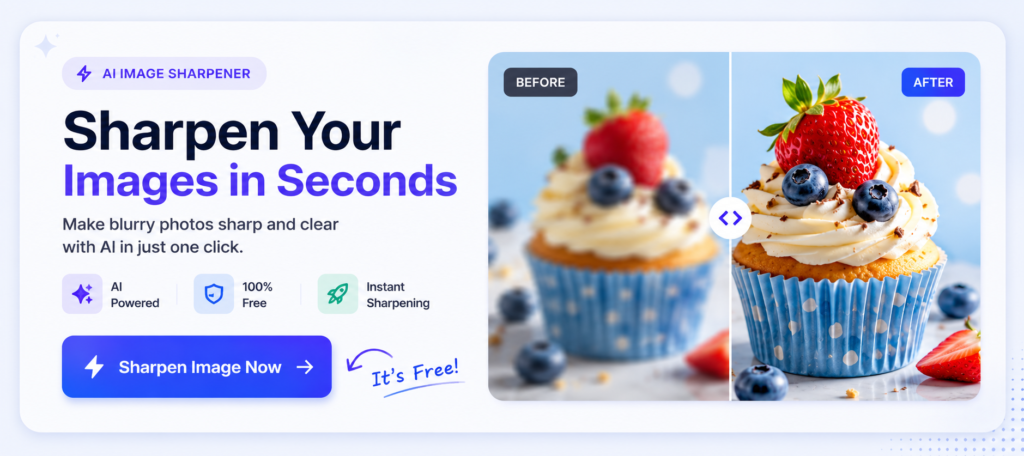
A few simple changes or a quick pass through ImageSharpen can noticeably improve clarity before you upload your photos to Amazon.
Let’s look at why image quality matters so much and how you can improve it.
Why Clear Product Photos Matter
A clear product photo does more than make your listing look nice.
It builds trust.
When shoppers can clearly see the product, they’re more confident about what they’re buying. Small details, textures, colours and finishes become easier to see, making the product feel more premium.
Better images can also lead to:
- More clicks from Amazon search results.
- Higher conversion rates.
- Fewer customer questions.
- Lower return rates caused by misleading or unclear photos.
If two sellers are offering the same product at a similar price, the one with cleaner, sharper images often has the advantage.
Why Amazon Product Photos Look Blurry
If your product photos look blurry on Amazon, it’s usually because of one of these reasons:
Low-Resolution Images
Starting with a small or low-quality image is the biggest mistake. When Amazon displays it across different devices, the lack of detail becomes much more noticeable.
Supplier Images
Many sellers use images provided by manufacturers or suppliers. These images have often been compressed multiple times before they reach you, so they aren’t always the best quality.
Heavy Cropping
Cropping into a small section of an image reduces its resolution. The more you crop, the fewer pixels Amazon has to work with.
Too Much Editing
Applying too many filters, exporting an image multiple times, or saving it repeatedly can gradually reduce image quality.
Poor Lighting
Sometimes the image isn’t actually blurry—it just lacks detail because it was taken in poor lighting. Dark, noisy photos often appear soft even if they’re technically in focus.
How to Make Amazon Product Photos Clearer
The good news is that most of these problems are easy to fix before you upload your images.
Start With the Best Image You Have
Always use the original product photo whenever possible. Avoid screenshots or images downloaded from websites, as they’ve usually already lost quality.
Improve Sharpness Before Uploading
If the image looks slightly soft, sharpen it before uploading. Tools like ImageSharpen can improve clarity and bring back fine details in just a few seconds, giving Amazon a better image to work with.
Don’t Over-Edit
A small improvement goes a long way. Oversharpening or adding excessive filters can make a product look unnatural, which isn’t ideal for an online marketplace.
Export at the Right Size
Amazon recommends high-resolution product images so customers can zoom in. Export your images at a good resolution and avoid resizing them multiple times before uploading.
Preview Your Listing
Before publishing, open your listing on both desktop and mobile. Zoom into the product image and make sure it still looks sharp. If it appears soft, it’s worth improving the image before customers see it.
Use AI to Improve Product Images
Not every product photo needs to be taken again.
Sometimes the lighting is good, the angle is right, and the product looks great. The only problem is that the image feels a little soft.
That’s where AI can help.
Instead of opening Photoshop or hiring someone to edit the image, upload it to ImageSharpen. It can improve clarity and sharpen small details in a few seconds, making your product photos look cleaner before you upload them to Amazon.
It works especially well for supplier images, older product photos, or pictures that have lost quality after being edited or compressed.
Just don’t expect miracles. AI can’t fix a badly taken photo, but it can absolutely improve one that’s already decent.
Conclusion
Good product photos don’t have to be perfect.
They just need to be clear enough for customers to quickly understand what they’re buying.
Before you upload your next Amazon listing, take a minute to check your images. If they look soft, blurry, or slightly low quality, fixing them first can make a noticeable difference.
You don’t need complicated editing software either. Just upload your image to ImageSharpen, let the AI improve the clarity, and download the enhanced version in seconds.
A sharper product photo won’t guarantee more sales, but it gives your listing a much better chance of earning that first click. And on Amazon, that first click is half the battle.