
A logo is one of those files that somehow gets worse every year.
The original disappears.
Someone downloads it from the website.
A screenshot becomes the “official” version.
Before you know it, the company logo is a tiny, blurry PNG that’s being used on invoices, presentations and social media.
If that sounds familiar, don’t worry. It happens to almost every business at some point. Before replacing the logo completely, it’s worth seeing how much you can improve the file you already have with ImageSharpen.
Why Logos Lose Quality Over Time
Your logo doesn’t lose quality because it gets old.
It loses quality because people keep finding new ways to save it.
The Original File Goes Missing
The designer sent it years ago.
Nobody remembers where it was saved.
So everyone starts using whatever copy they can find.
The Logo Gets Passed Around
One person downloads it from the website.
Another pastes it into a PowerPoint.
Someone else saves that slide as an image.
Every new copy is usually a little worse than the last.
Small Files Get Used for Big Jobs
A logo that’s perfect for a WhatsApp profile picture isn’t meant to be stretched across a website header or printed on a banner.
The bigger you make a small image, the softer it starts to look.
Compression Adds Up
Uploading, downloading, sharing and resizing all chip away at image quality.
You might not notice it after one edit, but after months or years, the difference becomes obvious.
Ways to Improve a Low-Resolution Logo
You don’t always need a brand-new logo.
If the design still works, there are a few things you can do to make it look cleaner before deciding on a redesign.
Use an AI Image Upscaler Like ImageSharpen
One of the easiest ways to improve a low-resolution logo is by using an AI image upscaler.
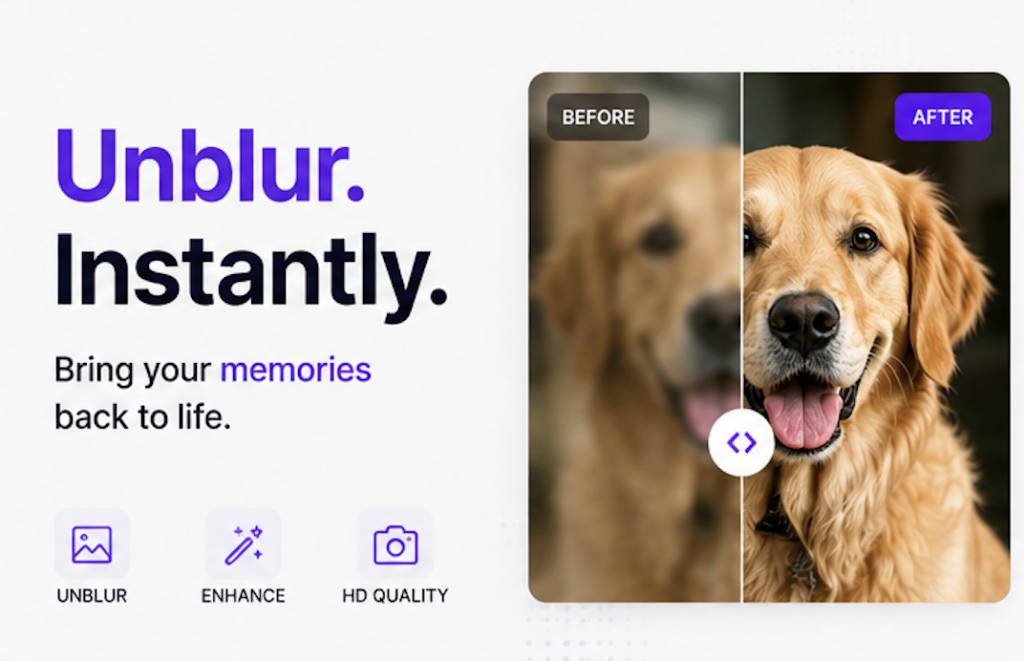
Upload your logo to ImageSharpen and let the AI improve its clarity and sharpen the edges. It’s a quick way to make an older or slightly blurry logo look cleaner without changing the design itself.
It works best when the logo is still reasonably clear but has lost quality over time due to resizing, compression or repeated editing.
Remove the Background if Needed
If your logo still has a white or coloured background, it’s worth removing it before using it elsewhere.
A tool like remove.bg can automatically create a transparent PNG, making your logo much easier to place on websites, presentations and marketing materials.
Use Vector Files Whenever They’re Available
If you have access to an SVG, AI or EPS version of your logo, use that instead of a PNG or JPG.
Vector files can be scaled to almost any size without losing quality, making them the best choice for printing, large banners and high-resolution displays.
When You Should Redesign Instead
AI can improve a logo, but it can’t fix every problem.
Sometimes, starting fresh is the better option.
The Text Is No Longer Readable
If the letters are heavily pixelated or impossible to read, sharpening the image won’t bring back information that isn’t there.
The Logo Is Extremely Small
A logo that’s only a few dozen pixels wide doesn’t contain much detail to begin with. In cases like this, recreating the logo usually gives a much better result.
The Design Feels Outdated
If you’re already thinking about changing the colours, fonts or overall style, it might be the right time for a redesign instead of trying to improve the existing file.
Conclusion
A blurry logo can make even an established business look unprofessional.
Before you spend money recreating it from scratch, see what you can do with the file you already have. You might be surprised how much difference a cleaner, sharper version can make.
If your logo still has potential, let ImageSharpen help you get a little more life out of it.