Drop image anywhere
Release to start unblurring
AI Photo Unblur

Unblur Any Blurry Photo Instantly with AI

Drop in an out-of-focus or shaky photo and get a crisp, clear version in seconds. No software to install.

4×
Resolution boost
10s
Average time
Free
No sign-in
Ready to paste — press Ctrl+V
Blurry original — drop it here or click to browse
JPG, PNG or WEBP · up to 20MB · starts on its own
Step 1
Your original photo
image.jpg
—
Something went wrong.
Unblurred result Step 2

Your sharp result appears here

Unblurring your photo…
This takes about 10 seconds
Unblurred photo Blurry original
BlurryUnblurred
Free to use
No sign up
No watermark
Runs in your browser

See what it does to a blurry photo

Drag the slider on any example to compare the original with the unblurred version. These are real results, not illustrations.

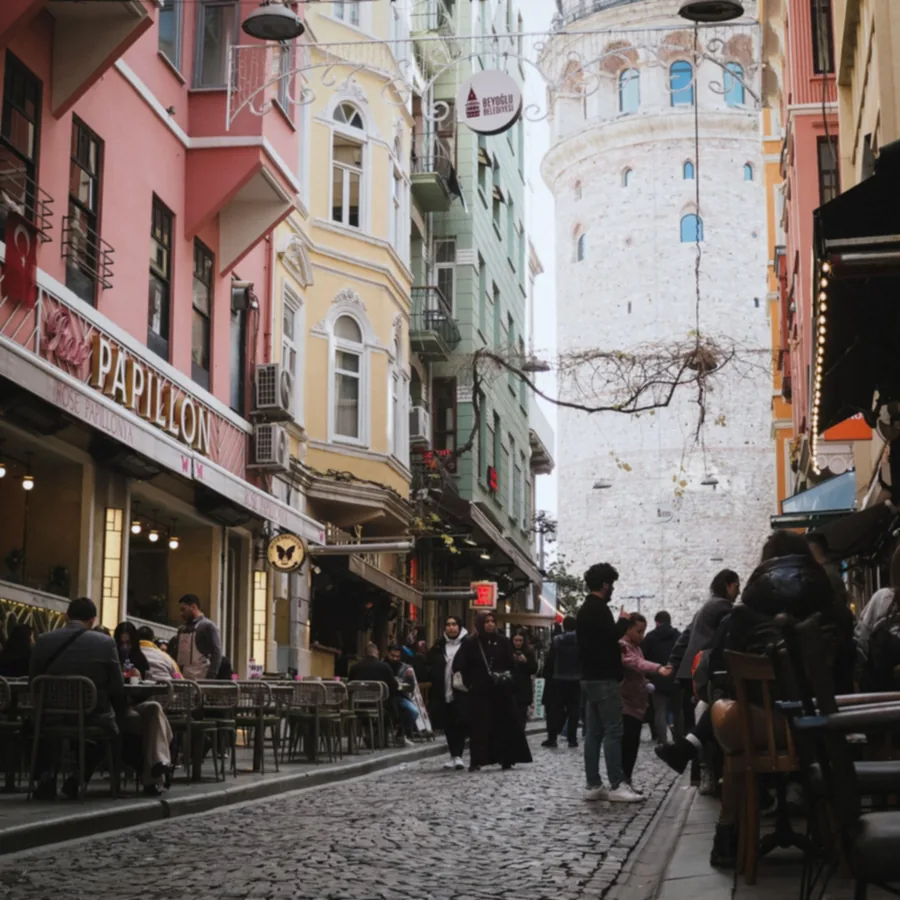
Busy city street after AI unblurring, with readable shop signs Blurry photo of a busy city street before unblurring
BlurryUnblurred
Busy street sceneSoft focus across a crowded, detailed frame
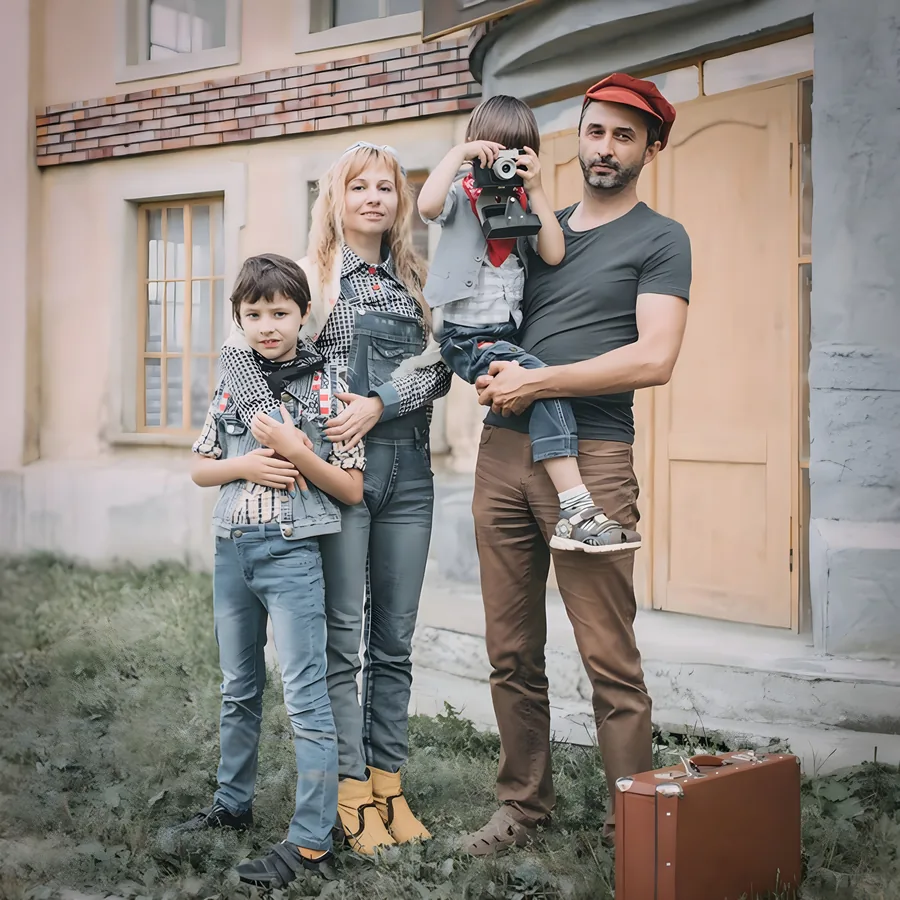
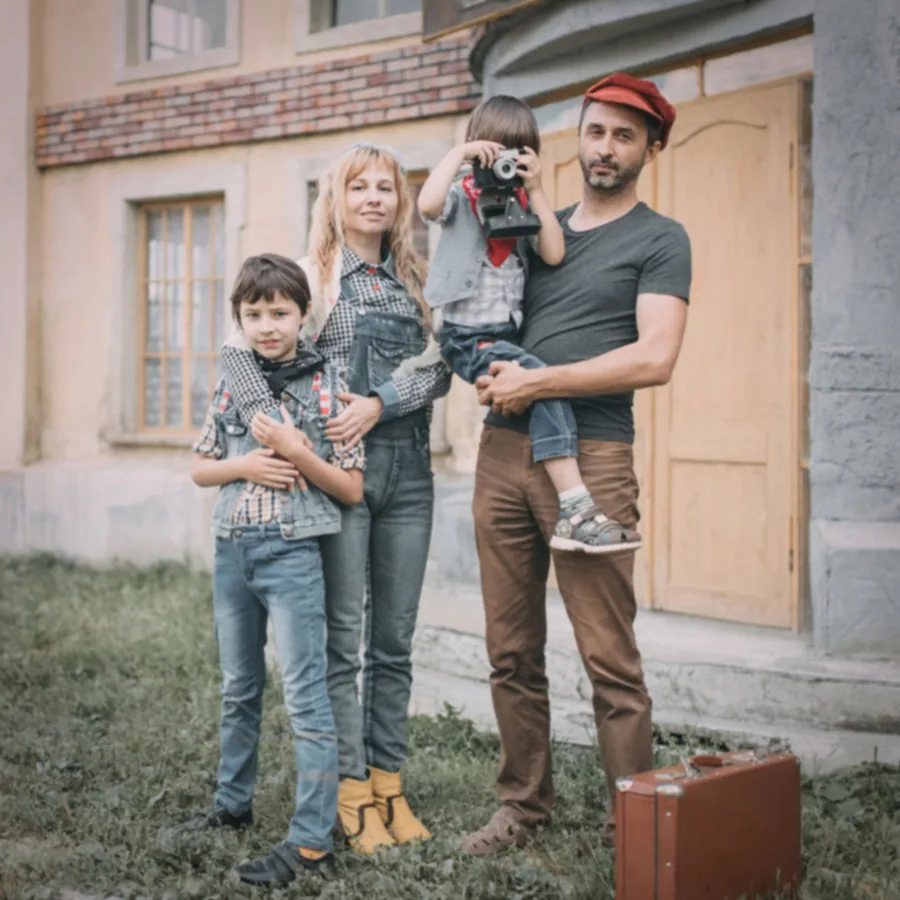
Family portrait after AI unblurring Out of focus family portrait before unblurring
BlurryUnblurred
Family portraitAn out of focus group shot taken outdoors
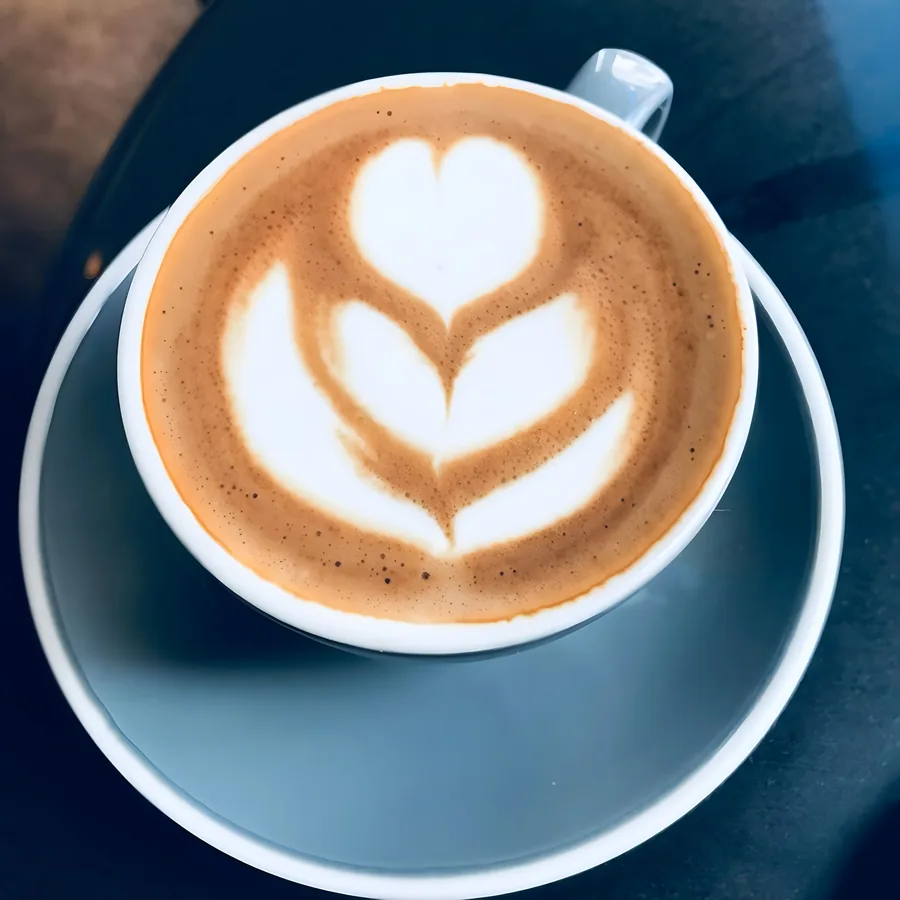
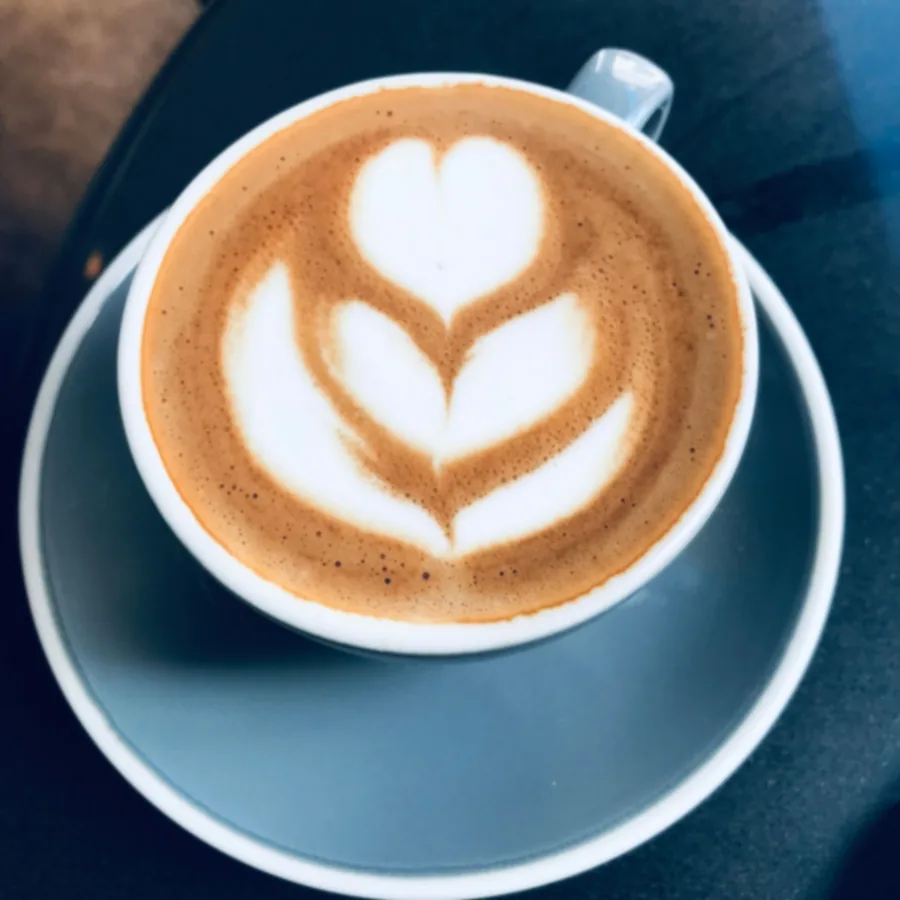
Latte art close up after AI unblurring Blurry close up of latte art before unblurring
BlurryUnblurred
Close up detailA soft close up where fine texture got lost

How to unblur a photo

Three steps, no account, nothing to install.

1

Add your photo

Drag it in, click to browse, or paste it straight from your clipboard.

2

Wait about ten seconds

Unblurring starts on its own. There is no button to press.

3

Compare and download

Drag the slider to check the difference, then save the full size file.

What it fixes, and what it won't

Most unblur tools promise miracles. Here is the honest version, so you know before you upload.

Works well on

  • Photos that are slightly out of focus
  • Mild camera shake from a handheld shot
  • Small or low resolution images that look soft
  • Scans of old prints that lost their detail
  • Photos flattened by messaging app compression

Best results come from the largest original you have. A file forwarded through chat apps has already lost detail that nothing can bring back.

Won't rescue

  • Heavy motion blur with visible streaking
  • Text that is already unreadable
  • Faces that take up only a few pixels
  • Number plates and serial numbers
  • Photos blurred on purpose to hide something

AI rebuilds detail from what is still in the file. When the detail was never captured, no tool can invent it accurately, whatever the ads claim.

What people unblur most

Old family photos

Scans of prints that have gone soft with age, ready to print or frame again.

Product listings

Marketplace photos that look soft once the site scales them up.

Event and party pictures

Low light shots where the camera missed focus and the moment will not repeat.

Kids and pets in motion

Fast movement is the most common cause of a blurry photo on any phone.

Screenshots and saved images

Pictures that got shrunk and re-saved until the edges went mushy.

Property and rental photos

Interior shots taken in a hurry that need to look sharper in a listing.

Why use this unblur tool?

Why Use Image Unblur

We built this tool to make image enhancement simple, fast and accessible for everyone.

Unblur Images Online

Improve a blurry image directly from your browser. No software to download, no complicated tools to learn. Upload your image and let the AI recover the detail. A quick, hassle-free way to unblur a photo online.

Upload your image

Improve Blurry Photos

Designed for images that look soft, blurry or lacking in detail. Photos go blurry from camera movement, poor focus, low resolution or compression. The AI unblurs existing detail and improves overall clarity of portraits, landscapes, old photos, screenshots and more.

Before
After

Simple and Fast

Using our AI unblur tool is super simple. Just upload your image, let the tool process it, check the result and download your improved photo. No complicated settings, no editing panels.

1
Upload your image
2
AI enhances it
3
Download result
Just 3 steps!

Free to Use

You can use our free AI unblur tool directly from your browser. No subscription, no credit card, no account. Upload your image, process it and see how much detail the AI can recover, at no cost.

100% Free
Clearer images. Brighter moments.

Questions about unblurring photos

Is this unblur tool really free?

Yes. You can unblur as many photos as you like without paying, creating an account, or entering an email address. There is no watermark on the result and no daily limit.

Can AI unblur a photo that is completely blurry?

Not really, and it is worth being clear about why. AI reconstructs detail using what is still present in the image. If a photo is so blurred that the shapes are unrecognisable, that detail was never recorded, so any tool claiming to recover it is guessing.

Photos that are slightly soft, mildly shaken, or low resolution improve a lot. Photos with heavy streaking from motion usually do not.

Will it make blurry text readable?

Often, yes. If the text is only slightly soft and reasonably large, unblurring can make it clear enough to read comfortably. Text that is already illegible will not come back, because that detail was never captured in the first place. The AI may also produce letter shapes that look convincing but are not what was originally written, so never rely on it for documents, numbers, or anything that has to be accurate.

Does it work on old scanned photographs?

Old scans are one of the best uses for it. Prints lose sharpness over time and home scanners add their own softness, and both are the kind of gentle blur the model handles well. Scan at the highest setting your scanner offers before uploading.

What happens to the photo I upload?

Your image is processed and sharpened and you are free to download it. Nothing is added to a public gallery and nothing is shared.

What file types and sizes can I upload?

JPG, PNG and WEBP files up to 20MB. Very large images are resized before processing so they can be handled reliably.

Can I use it on my phone?

Yes, the tool works in any mobile browser with nothing to install.

Scroll to Top